
No products in the cart.
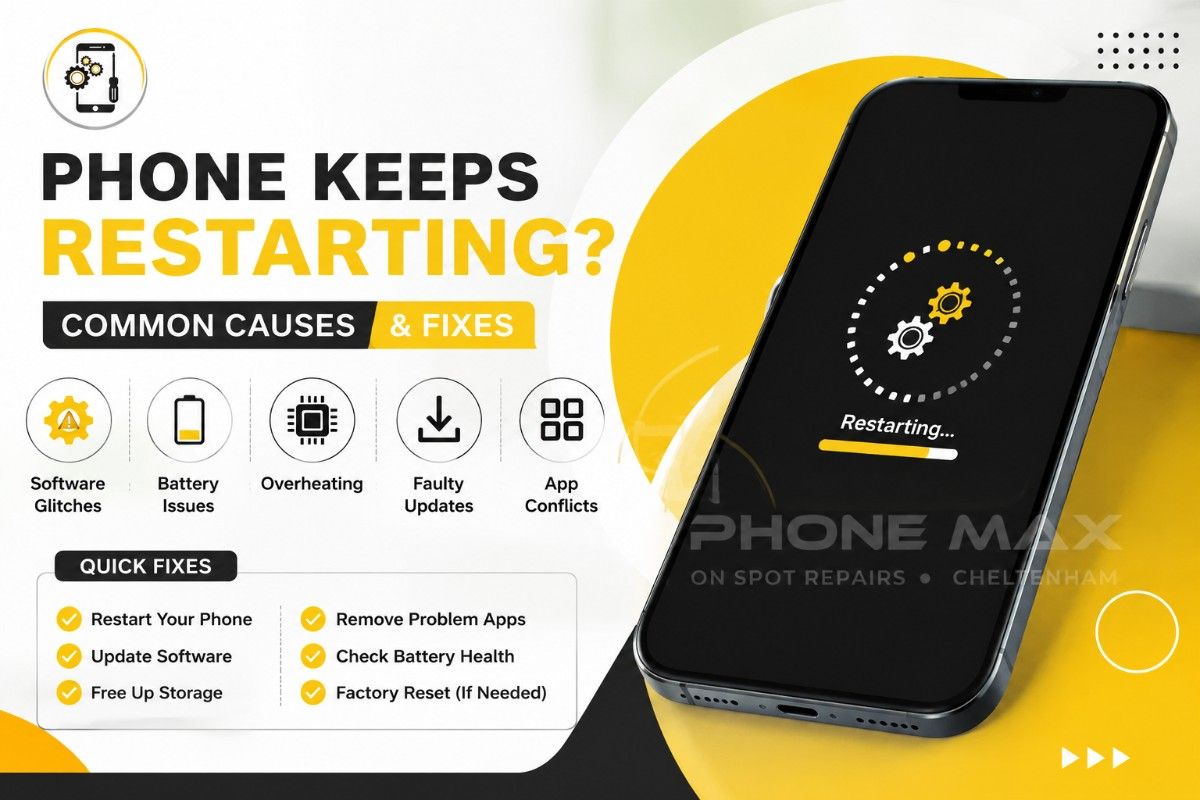
Phone Keeps Restarting? Common Causes & Fixes
Your phone keeps restarting, and you’ve no idea why. One minute it’s fine, the next it’s back on the boot screen. 9/10 times it’s something simple: a software glitch, a full storage drive, a battery on its way out. Sometimes it’s more.
I’ve lost count of how many phones come through our door on the High Street with this exact complaint. iPhones, Samsung, doesn’t matter. The device panics; it can’t finish whatever it was doing, so it restarts to reset itself. That’s really all a restart is.
This guide covers why your phone keeps restarting, how to work out whether you’re dealing with software or hardware, and what actually fixes it. I’ve tried to answer the questions people here in Cheltenham, Gloucester, Tewkesbury and Bishop’s Cleeve keep asking us.
Why Does My Phone Keep Restarting?
Something crashes internally that the operating system can’t recover from on its own, so it reboots. Simple as that, in most cases.
There’s a difference worth knowing though. A freeze means the phone has stopped responding altogether. A restart means it tried to fix itself by starting over. If yours keeps restarting rather than just hanging, that tells you something useful straight away.
Phone Constantly Rebooting Due to Software Bugs
Corrupted system files. Outdated firmware. Two apps fighting over the same resources. Any of these can leave your phone constantly rebooting, and honestly it’s the most common thing I see in the shop.
What’s annoying about this one is there’s no warning. Your phone worked fine yesterday. Nothing changed on your end. But underneath, something did.
Why Did My Phone Randomly Restart After an Update
If your phone randomly restarted right after you updated it, that’s not bad luck. Interrupted or badly installed updates cause exactly this.
A customer came in a while back convinced her phone was dying. It restarted every ten minutes, sometimes less. Turned out the update file itself was corrupted. We reinstalled the software clean, and that was that; no restarts since.
Samsung Phone Keeps Restarting Over and Over: Common Android Causes
Samsung phones tend to restart over and over for a handful of reasons, One UI bugs being top of the list, followed by a rogue app running in the background, or a battery that can’t keep up under load. Overheating during a video call or a long gaming session is another one we hear about a lot.
Android lets you install from more places than iOS does. More apps means more chances for something to clash with the system.
Phone Keeps Restarting Android: Storage and Cache Issues
Full storage is one people never think to check. Once you drop under about 10% free space, your phone can start behaving badly across the board, not just restarting.
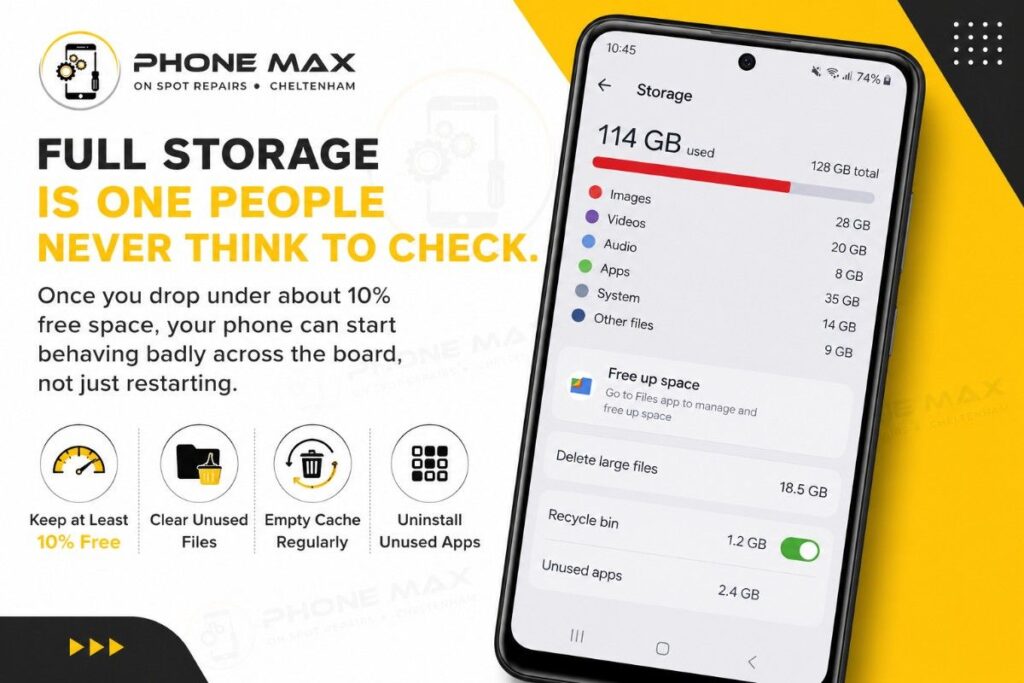
Clear the cache, delete a few apps you never open, and half the time that’s the whole fix. Costs nothing, takes five minutes.
| Android Fix | What It Solves | Time Needed |
| Clear cached data | Corrupted temporary files | 2 minutes |
| Free up storage | Performance issues and reboots | 5 to 10 minutes |
| Boot into Safe Mode | Points to a faulty app | 3 minutes |
| Update all apps | Known bugs and conflicts | 5 minutes |
| Reset network settings | Restarts tied to Wi-Fi or signal | 2 minutes |
My Phone Keeps Restarting and Not Turning On: Battery and Hardware Signs
This is where it gets more serious. If your phone keeps restarting and then just won’t come back on, you’re probably not looking at software anymore.
Battery degradation causes most of these cases, particularly on phones past the two-year mark. Watch for swelling, faster-than-usual battery drain, or restarts that only happen when you’re doing something demanding, gaming, or using the camera, for instance. There’s also a small component called the power management IC that controls how power moves from the battery to everything else. When it starts failing, the phone can reboot the moment power demand shifts.
Worth a read if you haven’t already: our signs your phone battery needs replacing piece covers this in more depth, before it gets to the point of a dead phone.
My Phone Keeps Restarting By Itself iPhone: What’s Different
iOS is more locked down than Android, so when an iPhone keeps restarting by itself, it’s usually one specific app causing the trouble rather than a system-wide mess. Camera and navigation apps show up a lot here; they push the processor harder than most.
Restarts paired with charging problems point somewhere else entirely. Our iPhone not charging article runs through seven causes, and a fair few overlap with what triggers restarts too.
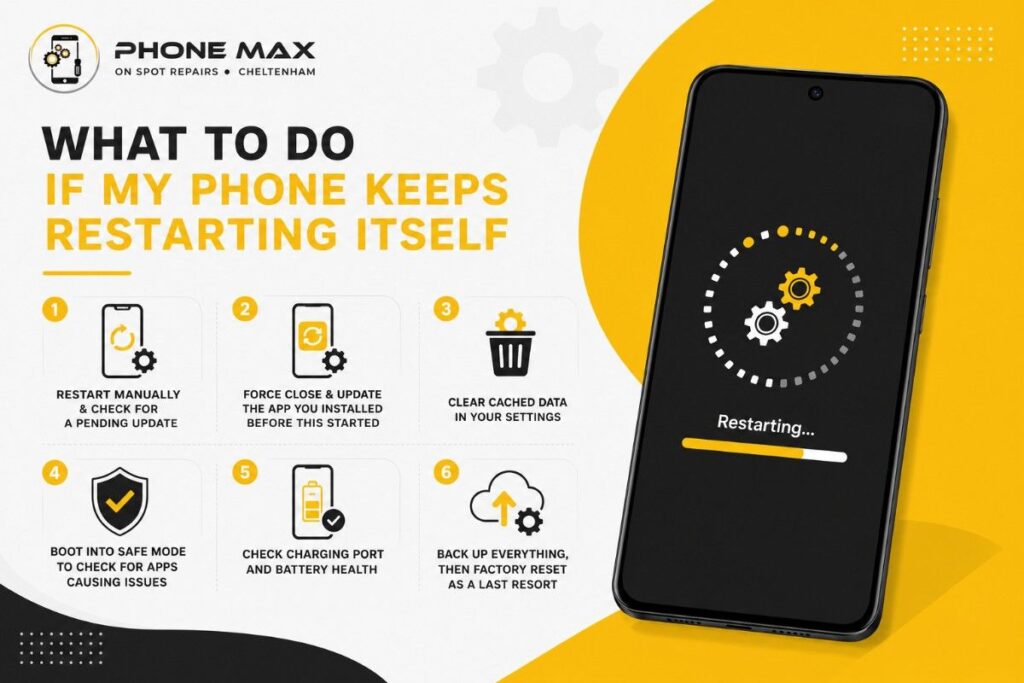
What to Do If My Phone Keeps Restarting Itself
Go through these in order. Most people are sorted by step three.
- Restart manually and check for a pending update
- Force close and update whatever app you installed right before this started
- Clear cached data in your settings
- Boot into Safe Mode to see if a third-party app is to blame
- Check charging port and battery health
- Back up everything, then factory reset as a last resort, not a first one
Still restarting after all that? You’re probably past the software stage now. Time for an actual diagnostic instead of more guessing.
Why Does My Phone Keep Restarting Every Few Minutes?
A restart on a tight, predictable cycle, every three minutes, say, is different from an occasional random one. That pattern usually means a boot loop. The phone can’t finish starting up, so it just keeps trying and failing on repeat.
It’s more urgent than a random restart because you can’t really use the phone at all while it’s happening.
Boot Loop Explained: Software Cause or Hardware Fault
Watch how far it gets before it dies. Restarts before the home screen every single time? Leaning hardware. Only happens inside certain apps? More likely software.
One customer’s phone did this like clockwork, every three minutes, even sitting untouched on the counter. Nothing she did triggered it. A failing motherboard component was behind it in the end, not something any software fix would’ve touched.
When to See a Repair Technician in Cheltenham
Bring it in if restarts carry on after a factory reset, if it won’t hold charge, or if you spot any swelling around the battery. All three point away from software.
We get a fair few customers from Gloucester and Tewkesbury who’ve already tried everything Google suggested before making the trip in. Completely normal. That’s what a diagnostic is there for.
Check our best phone repair shop in Cheltenham page for what we actually check when you come in, or get in touch if you’d rather just book straight away. For anyone out in Bishop’s Cleeve who can’t easily get to the High Street, we run a collection and drop off service too.
Conclusion
A phone that keeps restarting feels worse than it usually is. Most cases come down to software, and most of those you can sort yourself with what’s above.
Tried everything and it’s still restarting, especially if it won’t turn back on or it’s cycling every few minutes? That’s your sign to get it checked properly. Come by our Cheltenham shop or request a quote online and we’ll tell you straight whether it’s quick or not.
Frequently Asked Questions
Why does my phone keep restarting for no reason?
There’s always a reason; you just can’t see it. Usually it’s a corrupted cache file, an app fighting the system, or a battery that can’t hold steady power anymore.
Can a virus cause my phone to keep restarting?
It can, though it’s less common than software bugs or a tired battery. Malware forces restarts as part of how it runs, especially on phones with apps installed from outside the official stores.
Is it bad if my phone restarts a lot?
It puts extra strain on the battery and storage, and you risk losing whatever you were doing mid-task. Worth sorting sooner rather than later.
Should I factory reset my phone if it keeps restarting?
Try Safe Mode, clear storage, check for updates first. Factory reset works for deep corruption, but it should come later, not be your opening move.
Why does my Samsung phone keep restarting even after a reset?
If a reset doesn’t stop it, you’ve moved past software. Battery, charging port, or a logic board fault is more likely at that point.




Leave a reply