
No products in the cart.
Fix a Charging Port Not Working by Yourself | Phone Max
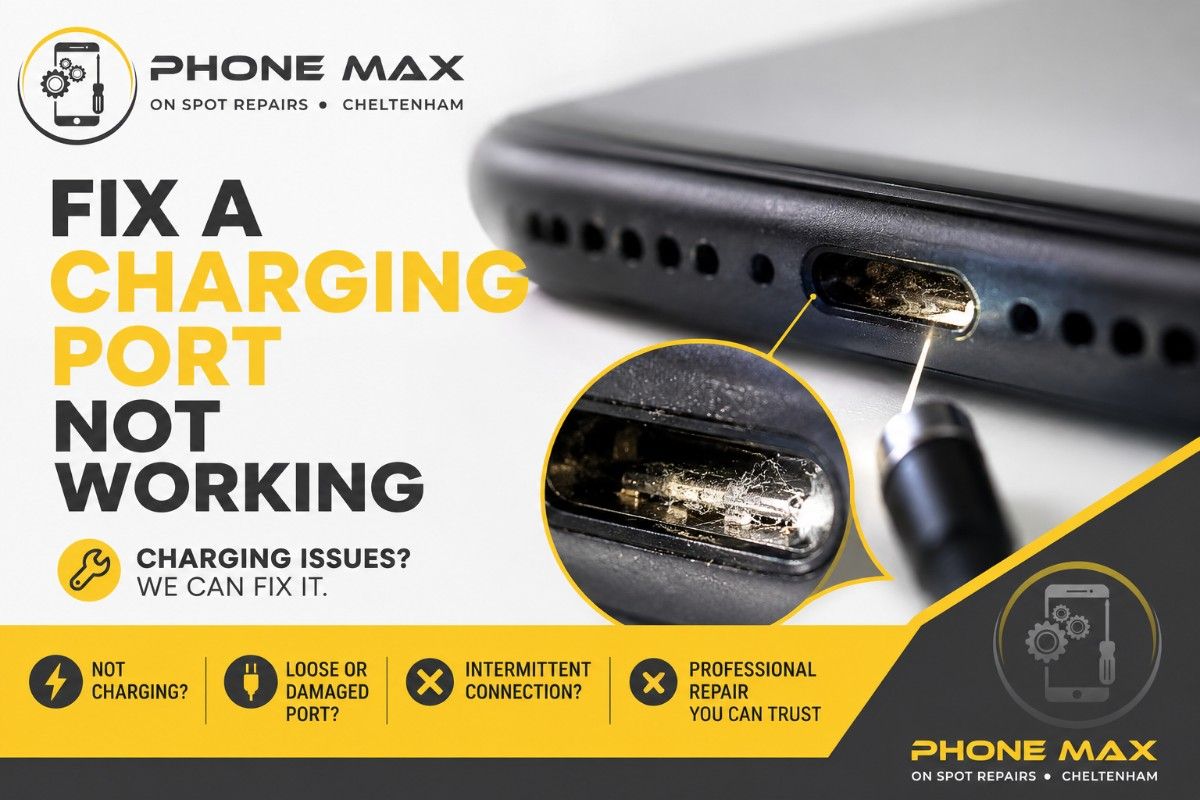
9/10 times, someone brings me a phone with a charging port not working; it isn’t broken at all. It’s blocked.
Pocket lint, a knackered cable, a knock from last week you’d already forgotten about. That’s usually the whole story. I’ve lost count of how many times I’ve cleared a port in front of someone in under two minutes and watched their face change from “I need a new phone” to “oh.”
This to-the-point guide covers what actually causes a charging port not working, what you can safely try before booking anything in, and where the line sits between a DIY fix and a proper repair. I’ll go through iPhone, Samsung, general Android, and laptops separately too, because they don’t all fail the same way.
What Causes a Charging Port Not Working
Three things, mostly. Dust and lint packed into the port. A cable that’s given up. Or physical damage from a drop, a bend, or water getting somewhere it shouldn’t.
Lint is the big one round here. Cheltenham’s a walking town, and phones spend half their life loose in a coat pocket. That lint compacts every time you plug the cable in, until eventually there’s no room left for the connector to make contact.
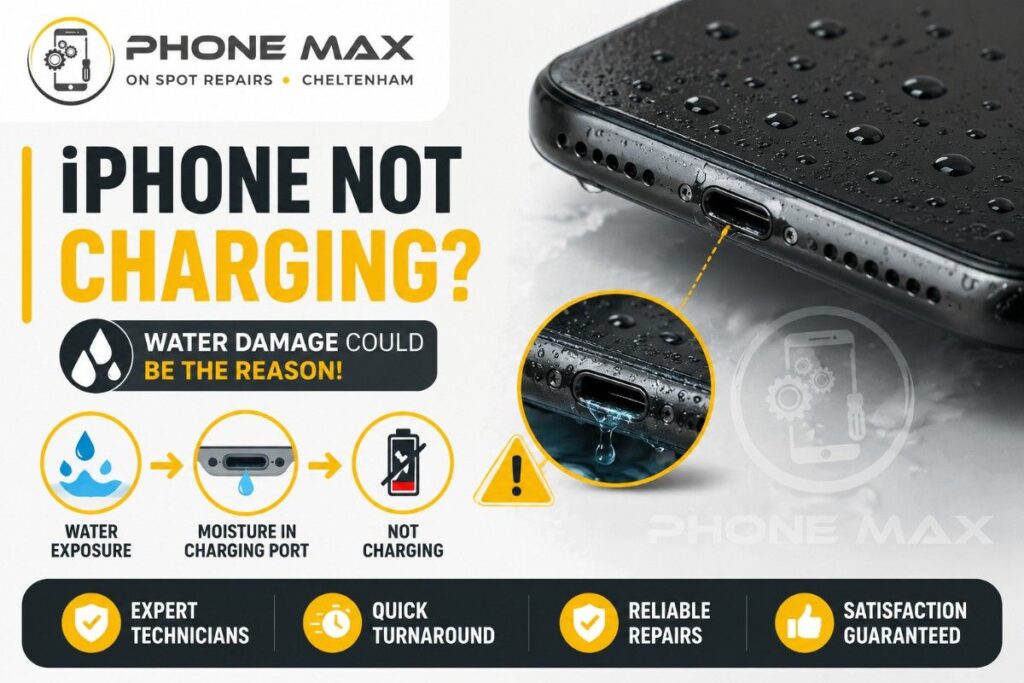
Water’s the second most common cause I see. Doesn’t need to be dramatic either. A quick shower in the rain outside Waitrose, a splash near the sink, even damp hands on a humid day can be enough.
Quick Signs Something’s Wrong
Before pulling the phone apart in your head, check which of these matches what you’re seeing:
| What’s happening | What it usually means |
| Only charges when held at an angle | Port connection has loosened |
| Nothing happens at all when plugged in | Blocked port or dead cable |
| Charging is patchy, stops and starts | Dust or damp inside the port |
| Phone flags a liquid warning | Water’s got into the port |
| Charges wirelessly but not by cable | The port’s the problem, not the batter |
What To Try Before Booking a Repair
Start with the boring stuff. Swap the cable. Swap the plug. I know it sounds obvious, but a worn Lightning or USB-C cable causes far more charging port not working complaints than the port itself ever does.
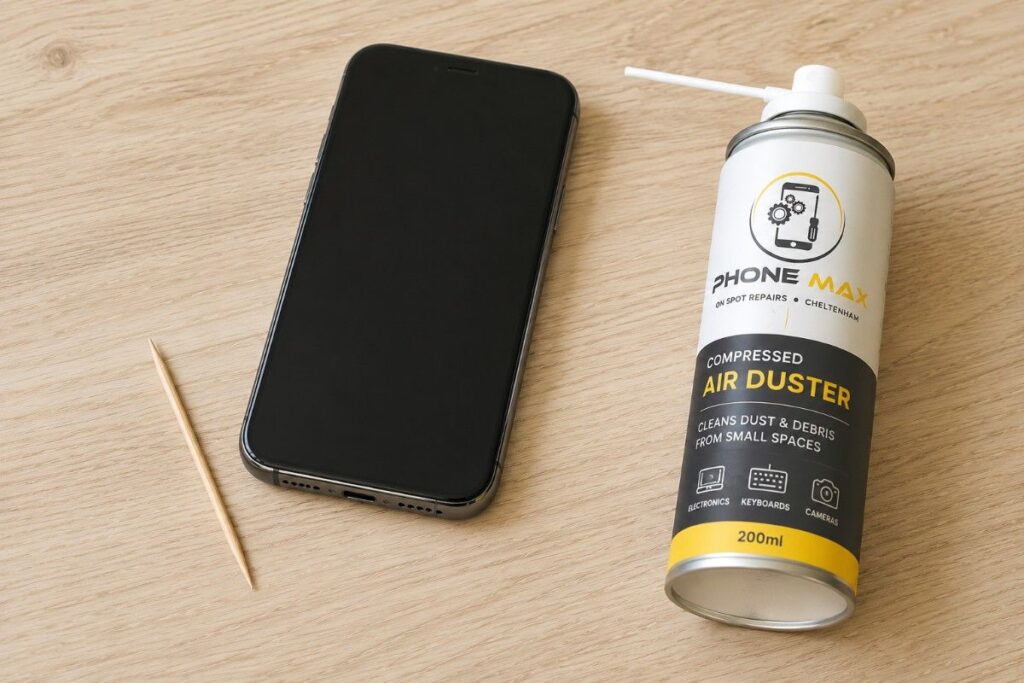
Next, grab a torch and actually look inside the port. You’d be surprised how often there’s a visible clump of fluff sitting right at the base. A wooden toothpick or a can of compressed air will shift most of it. Skip anything metal. A bent pin from a paperclip turns a five-minute job into an actual repair.
Got wireless charging on your phone? Set it on the pad. If it charges wirelessly but not through the cable, that’s your answer already. The port’s at fault, not the battery, not the phone itself.
Charging Port Not Working on iPhone
iPhones tend to throw up moisture warnings more readily than other brands, even from fairly minor exposure. If you see that warning, don’t force a charge through it. Let it sit somewhere dry for a few hours first. We’ve written more on this in our iPhone not charging guide, which walks through seven separate causes.
Charging Port Not Working on Samsung
Samsung phones are quick to flag a wet SIM tray or moisture warning, sometimes without any obvious spill at all. Nine times out of ten it’s condensation rather than a proper soaking. A dry brush and a bit of patience usually clears it.
Charging Port Not Working on Android
USB-C ports on most Android phones wear slightly differently to Apple’s Lightning port. The connector shape allows a touch more movement, so if you’re constantly angling the cable to get a connection, that’s wear talking, not dirt.
If Water Damage Is the Cause
Don’t plug anything in again until the phone’s had proper time to dry out. Charging a wet port risks corrosion, and corrosion is what turns a simple clean into a full port replacement. If this is where you’re at, our water damaged phone guide covers the full process.
Charging Port Not Working on a Laptop
Slightly different animal. A laptop charging port not working usually comes down to a loose internal connector, worn pins, or a failed power jack, and these aren’t really a DIY job since they sit inside the casing. If the laptop’s not powering on at all rather than just refusing to charge, that’s covered separately in our laptop won’t turn on guide.
When It’s Time to Bring It In
Cleaned the port, swapped the cable, still nothing? Stop there. Poking at it further usually just bends the pins more and turns a straightforward fix into a bigger one.
I see people travel in from all over for this one, not just the town centre. Bishop’s Cleeve, Charlton Kings, Leckhampton, Up Hatherley, plus a fair few coming over from Gloucester and Tewkesbury on a lunch break. Most charging port jobs are done same-day, so you’re not stuck without a phone for long.
Honestly, the most common thing I hear once someone’s in the shop is relief. They expected the worst, and it turned out to be a five-minute clean. I’d always rather check it for free than talk someone into a repair they don’t need. You can see the full range of what we handle on our repair services page, or get in touch if you want to book ahead.
Keeping It From Happening Again
A case that covers the port opening helps more than people expect. Try to avoid charging near water, and that includes the bathroom counter. When you unplug, pull the connector itself rather than yanking the cable, since that’s what puts strain on the pins over time.
Conclusion
A charging port not working feels like a disaster in the moment, but it rarely is one. Dust, a tired cable, a small knock. That covers most cases. Try the checks above first. If it’s still not charging, come and see me and I’ll have a proper look.
Frequently Asked Questions
Can a charging port fix itself?
Sometimes dust works itself loose over time, but a bent pin or corrosion won’t sort itself out. If it’s still not charging after a clean, it needs a proper look.
Is it safe to blow into a charging port?
No. Moisture from your breath can actually make corrosion worse. Stick to compressed air or a dry brush.
Why does my phone only charge at a certain angle?
That’s the connection inside the port loosening, usually from wear or a knock. It’s one of the clearest signs a repair’s coming.
Does a charging port not working damage the battery?
Not directly, but a phone that can’t charge properly will drain faster day to day. Testing wireless charging is the quickest way to rule the battery in or out.
How long does a charging port repair take?
Most are done same-day, often within the hour, depending on the model and how much damage there is.