
No products in the cart.
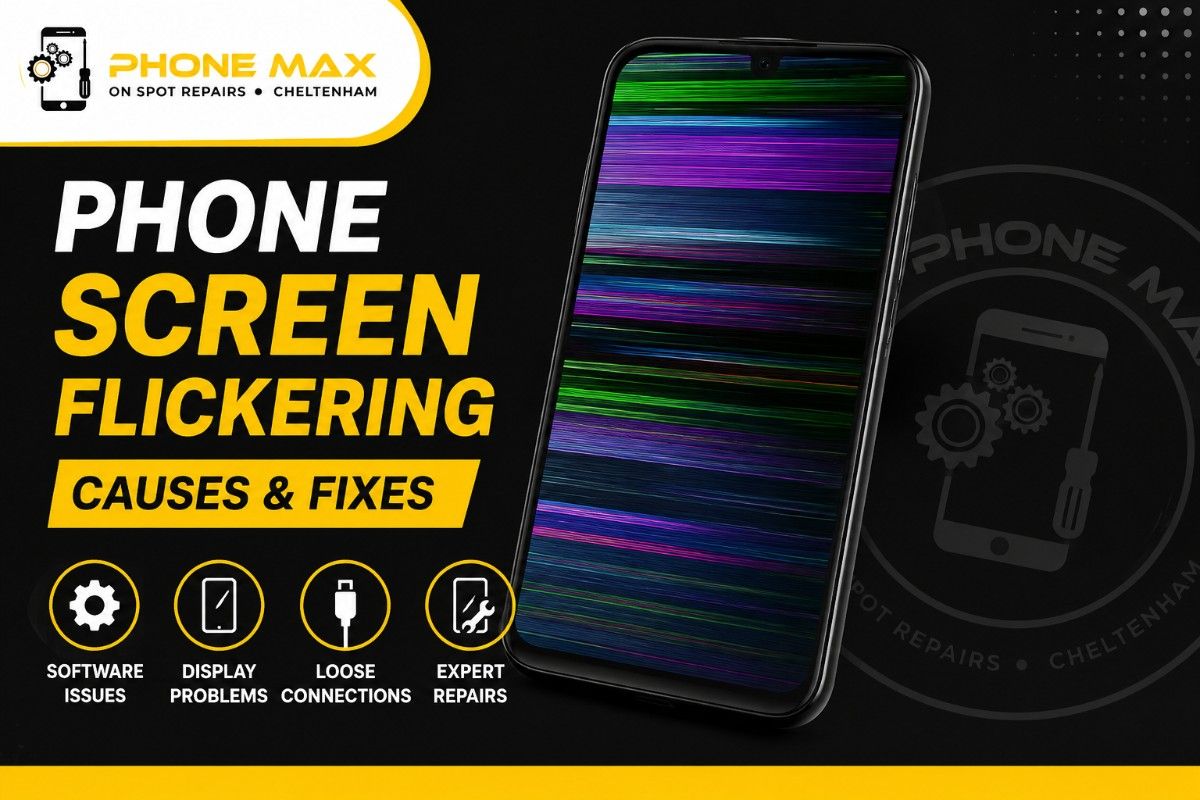
Phone Screen Flickering – Why It Happens & How to Fix It
If your phone screen flickering or flashing right now, you want the short answer first: it’s almost always a software setting, an app conflict, or a loose connection from a knock. Not a mystery, just a puzzle with a handful of usual suspects.
I get asked about this most weeks at my shop, Phone Max Cheltenham. Someone walks in convinced their handset is dying, and half the time it’s a night mode setting fighting with the display. The other half, it’s genuinely a hardware problem that needs a proper look. This guide splits the two apart so you’re not guessing.
What Does Phone Screen Flickering Actually Mean?
The flickering meaning is simple enough: your display is switching brightness or refresh rate faster than it should, and you can see it happening. Sometimes it’s a full-screen flash. Sometimes it’s a thin band of colour that rolls across the glass. Both count.
What matters more than the look of it is when it happens. Constant flicker, flicker in one app only, flicker that starts after a drop; each of those points somewhere different, and we’ll go through all three.
Why Does My Screen Keep Flickering? The Software Side
Most of the “why does my screen keep flickering?” questions I hear turn out to be settings, not faults. Adaptive brightness is the biggest offender. It’s constantly reading the room and adjusting, and in changeable British light (grey one minute, sun through the window the next), that adjustment can look like flicker rather than a smooth dim.
A recent update is the second most common cause. Both iOS and Android occasionally ship a display bug that gets patched within a week or two, so if your flickering started right after an update notification, that’s worth noting.
Why Is My iPhone Screen Flickering?
On iPhone, three settings cause almost all of it: True Tone, Auto-Brightness, and Reduce Motion. Apple’s own guide to adjusting brightness and colour is worth five minutes if you haven’t touched these settings before. Turning Auto-Brightness off under Accessibility, rather than in the main Display menu, catches a setting a lot of people miss entirely.
Samsung Phone Screen Flickering and Other Android Devices
Samsung phone screen flickering usually traces back to Eye Comfort Shield or the Adaptive Brightness toggle, both of which sit under Display settings but get renamed with almost every software update, which is half the reason people can’t find them. If you’re on a Pixel or another Android phone and want to isolate whether an app is to blame, Google’s safe mode guide walks through rebooting with third-party apps disabled. If the flicker vanishes in safe mode, you’ve found your culprit.
Phone Screen Flickering After Dropped – When It’s Hardware, Not Software
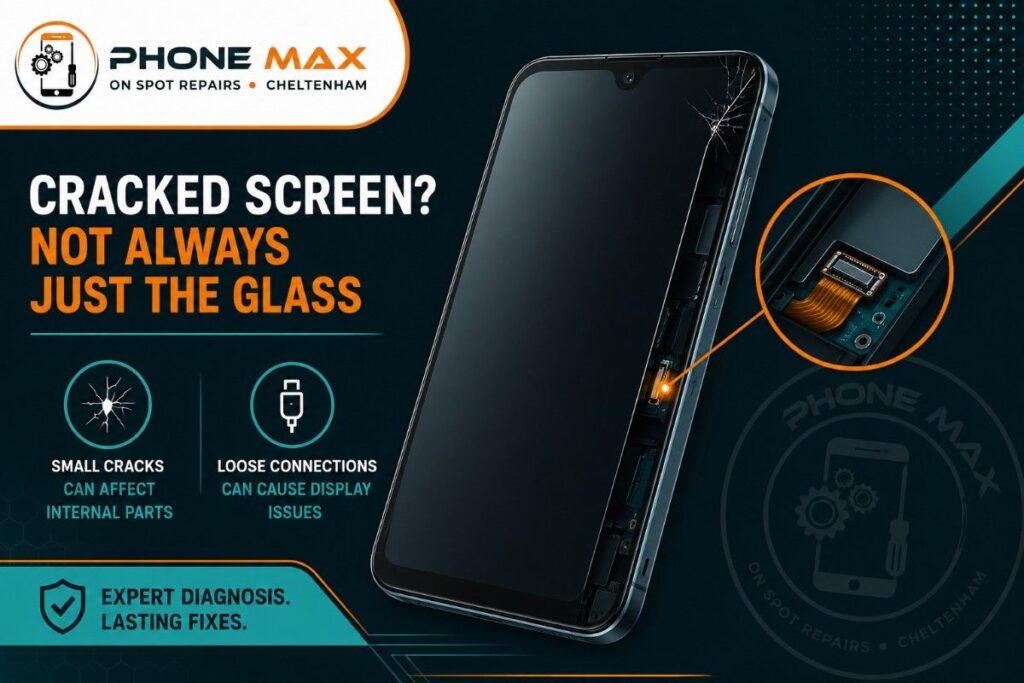
This is the one that separates a five-minute fix from a repair booking. Phone screen flickering after dropped incidents happens because the fall can shift the display’s ribbon connector or crack an internal layer you’d never see from the outside. No amount of settings-tweaking touches that.
There’s a quick test I tell people to try at home:
Press gently on the back of the phone, near the edges, while the screen is on. If the flicker pattern changes when you press, that’s a physical connection issue, not software. Stop resetting things at that point. It won’t help.
Here’s the pattern I’ve seen enough times to trust it:
| What you notice | What’s actually going on | What to do about it |
| Flicker in one app only | That app has a bug | Update or remove it |
| Flicker everywhere, all apps | A settings or OS glitch | Reset display settings |
| Flicker changes when you press the case | Loose display connector | Book it in for repair |
| Started right after a fall | Cracked internal display layer | Book it in for repair |
| Worse while charging or when warm | Battery or power IC fault | Get the battery checked |
How to Fix Screen Flickering on Android and iPhone
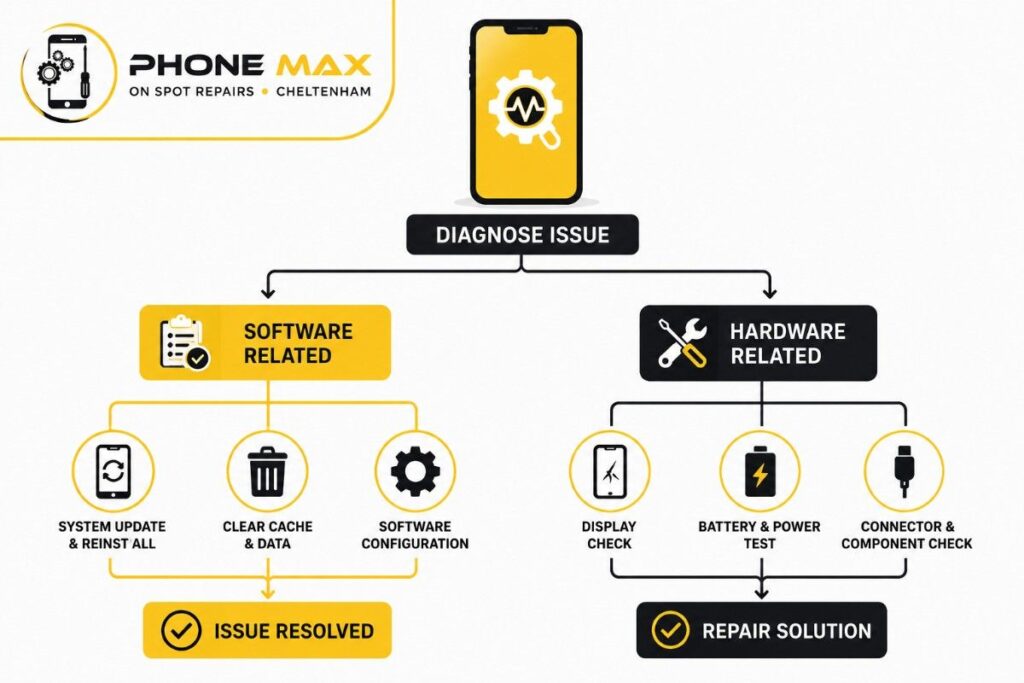
Before you book anything in, there’s a short list worth trying yourself. Restart the phone first; it clears whatever’s running in the background and takes ten seconds. If that doesn’t shift it, turn off Auto-Brightness manually rather than leaving the phone to guess. Boot into safe mode next, since that isolates whether a downloaded app is the actual cause rather than the phone itself.
If none of that helps, a full update check is worth doing before anything more drastic. Manufacturers patch display bugs quietly and often, so a phone running last month’s software is more likely to flicker than one that’s current. A factory reset is the last resort here, and only after you’ve backed everything up, because it wipes the phone back to its original state and starts fresh.
If your phone’s been anywhere near water recently, don’t jump straight to any of the above. Moisture corrodes connectors slowly, and flickering is often the first sign, sometimes turning up hours or even days later. Our guide on what to do with a water-damaged phone covers the steps to take before it gets worse. And if the flicker’s paired with charging trouble too, it’s worth reading why an iPhone won’t charge, since power issues often show up as both symptoms at once.
When a Flashing Screen on Phone Means You Need a Repair
Some signs mean stop troubleshooting and get it looked at. A flicker that started the moment your phone hit the ground is one. A flicker that changes when you press the back of the case is another. Lines, blotches of colour, or brief blackouts alongside the flicker point to a failing display rather than a setting.
Under the Consumer Rights Act, a fault like this within the first six months of buying a phone often gives you a right to a repair or replacement, and Citizens Advice has a clear breakdown of what that covers if you bought the handset from a retailer rather than a network.
We see this exact issue most weeks at our Cheltenham repair shop, and not just from people on the High Street either. Customers travel in from Bishops Cleeve, Charlton Kings, and Gloucester, and a fair few come down from Tewkesbury and Cirencester too, usually after trying every setting they can find first. 9/10 times with a drop-related flicker, it’s the display connector that’s worked loose rather than the whole screen needing replacing, which keeps the repair quicker and cheaper than people expect.
Conclusion
A phone screen flickering issue is rarely as serious as it first looks, but it’s not always harmless either. Settle it in your head with one simple check: does pressing the case change what you’re seeing? If yes, it’s hardware. If no, work through the software steps above first.
If you’ve tried all of it and the screen on your phone is still flickering, get in touch through our contact page or pop in and see us, and we’ll tell you straight whether it’s a quick fix or something that needs parts. You can find out more about how we work on our about us page if you’d like to know who’s looking at your phone before you hand it over.
Frequently Asked Questions
Can a flickering screen damage my eyes?
Staring at one for long stretches, especially in low light, can bring on eye strain and headaches. Worth sorting sooner rather than later for that reason alone.
Does a flickering screen always mean a new phone?
No. Most cases we see are fixed with a new display cable or a screen module swap, both far cheaper than replacing the phone outright.
Why does my phone screen flicker only when it’s charging?
That’s usually the charging cable, the port, or the battery’s power management chip struggling to deliver steady voltage, rather than the screen itself being at fault.
Can a screen protector cause flickering?
Rarely, but a poorly fitted one can interfere with touch response, which sometimes gets mistaken for flicker when it’s actually a touch glitch.