
No products in the cart.
Signs Your Phone Battery Needs Replacing (And What to Do)
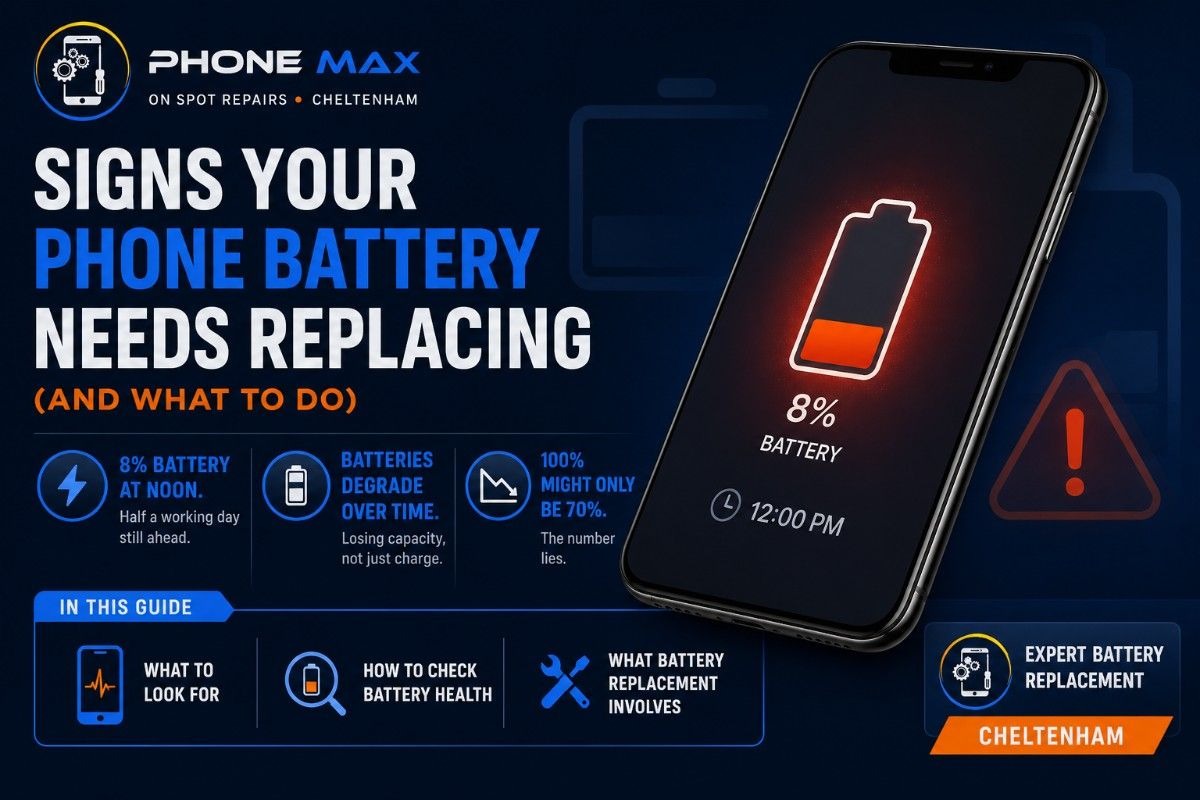
8% battery at noon. Half a working day still ahead. That is what a failing phone battery looks like in real life, not the clean shutdown people expect.
Phones in Cheltenham do not die overnight. The battery degrades across hundreds of small charge cycles, quietly losing capacity, until the percentage on screen becomes almost meaningless. What reads as 100% might only be delivering 70% of the original charge. The number lies.
This guide covers what to look for, how to check battery health on iPhone and Samsung devices, and what phone battery replacement in Cheltenham actually involves.
Why Is My Phone Battery Draining So Fast?
Degraded capacity. That is almost always the answer.
Not a rogue app. Not a software glitch. The battery itself cannot hold as much energy as it did when the phone was new, and the percentage display does not tell you that.
According to my experience, Lithium-ion phone batteries last around 500 to 800 charge cycles. For most daily users, that is 18 to 24 months. After that, the capacity drops in a way that software optimisation and background app management cannot fix.
How Many Charge Cycles Before a Phone Battery Gives Out?
| Battery Capacity | Charge Cycles (Approx.) | What Changes |
| 100% | 0 to 100 | Nothing yet |
| 80 to 89% | 300 to 500 | Slightly shorter battery life |
| 70 to 79% | 500 to 700 | Noticeably faster drain through the day |
| Below 70% | 700 and above | Replacement is overdue |
Apple draws the line at 80%. Samsung draws the same line. Below that, both companies recommend a phone battery replacement.
7 Signs Your Phone Battery Needs Replacing
Some of these creep in slowly. Others show up without warning.
Here is what to watch for:
- Phone barely makes it through a full working day on one charge
- Battery percentage drops sharply and without warning, 35% falling to 4% in minutes
- Phone shuts off at 20% or 30% before the battery is actually empty
- The device gets warm during charging or while doing basic tasks
- Apps, navigation, and keyboard responses feel slower than they did six months ago on the same phone
- Phone battery stops charging past a fixed point, no matter how long it stays plugged in
- The screen or back panel has started pushing outward slightly
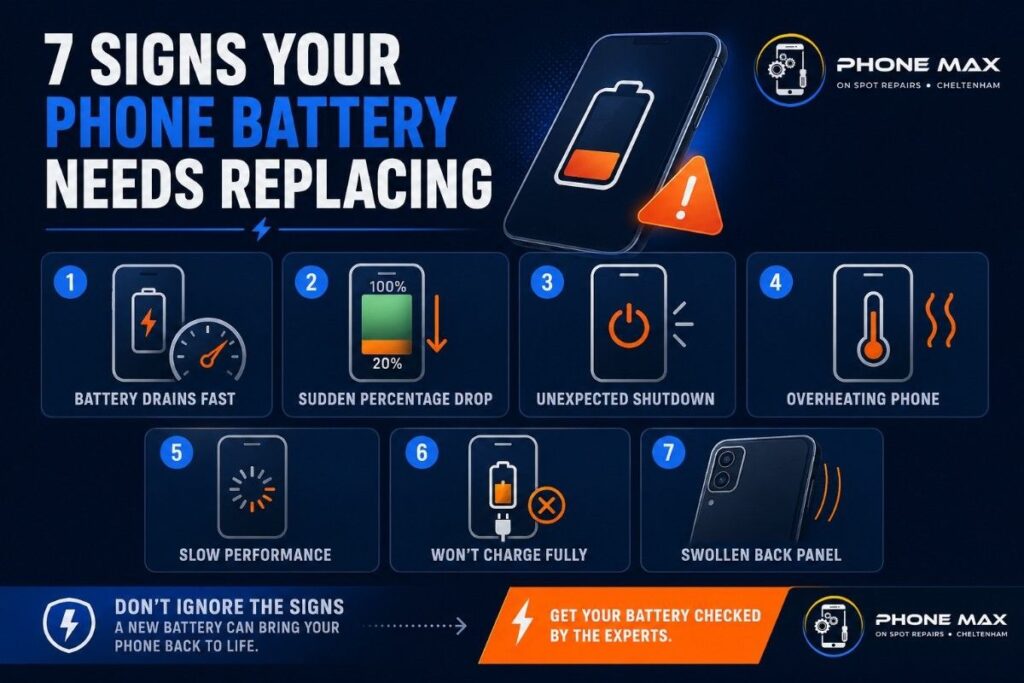
One of these, on its own, could be something minor. Two or more at the same time, and the phone battery is almost certainly the source.
Why Won’t My Phone Battery Charge Properly?
Test the charger first.
Try a different cable and adapter on the same phone and note whether anything changes. If the problem follows the phone across multiple chargers, the battery can no longer accept a full charge. The chemistry inside the cell has broken down.
I have seen this pattern a lot in Cheltenham with iPhones between two and three years old. One customer came in recently with an iPhone 13, cutting off at 35%. Battery health reading came back at 73%. One phone battery swap later, it was back to lasting a full day without a single issue.
Phone Battery Swelling: Do Not Use That Phone Again Until You Read This
This is not a cosmetic problem.
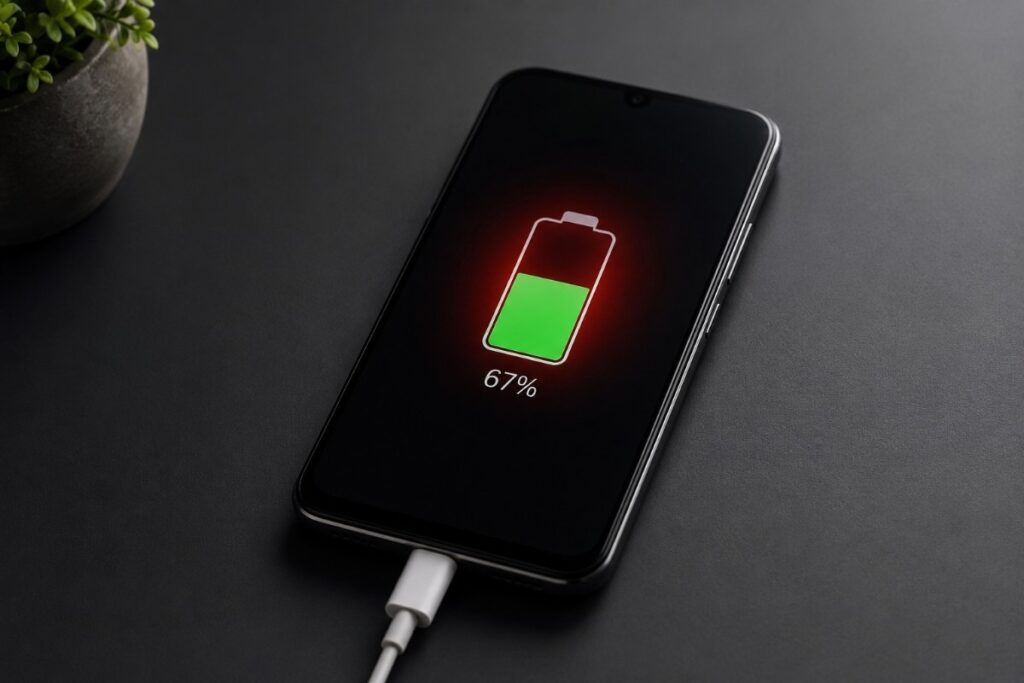
A swollen phone battery is a genuine safety hazard ⚠️. Lithium-ion cells swell when gas builds up from overcharging, heat exposure, or a manufacturing defect. Once that swelling starts, the internal chemical reaction does not reverse. It gets worse.
“A swollen battery can cause your phone’s back cover to bulge, affect performance, or in extreme cases, even pose a fire hazard.”
Signs the phone battery is swelling:
- Phone no longer lies flat on a surface
- The screen or back panel has lifted or separated slightly
- The phone case that used to fit now does not
- Buttons feel harder to press than before
Power the phone off right now. Stop charging it completely. Do not squeeze the bulge. Do not try to open the back at home. Get it to a professional repair shop in Cheltenham as soon as possible.
How to Check Your Phone Battery Health in Two Minutes
Two minutes. No tools needed.
iPhone Battery Health Check
Settings > Battery > Battery Health and Charging.
Look at Maximum Capacity. Apple’s own guidance says a replacement is due when this number drops below 80%.
One more thing to check while you are in there. If there is a message about Peak Performance Capability being limited, your iPhone is already slowing itself down to prevent unexpected shutdowns. That is not a notification to dismiss. That is the phone battery asking to be replaced now.
Samsung Phone Battery Health Check
Open Samsung Members. Go to Support > Phone Diagnostics > Battery Status.
The result comes back as Good, Normal, or Weak. Newer Samsung phones running One UI 7 or later show a health percentage directly inside Settings > Battery.
Reading the numbers:
| Health Percentage | Status | Action |
| 90 to 100% | Good condition | Nothing needed |
| 80 to 89% | Normal wear | Check again in a few months |
| 70 to 79% | Worn | Book a replacement soon |
| Below 70% | Poor | Replace now |
Phone Battery Replacement in Cheltenham: Your Options
Confirmed the battery is the problem. Here is what the options actually look like.
| Option | Turnaround | Who It Suits |
| Local repair shop | 30 to 60 minutes | Most people |
| Manufacturer service | 3 to 7 days | Warranty situations |
| Postal repair | 2 to 5 days | Non-urgent cases |
| DIY at home | Same day | Experienced users only |
For iPhone battery replacement in Cheltenham, a local repair shop is almost always the fastest and most practical option. Most iPhone battery swaps are done within an hour. Samsung phone battery replacements take a similar amount of time for most models.
One question worth asking any shop before handing the phone over. What replacement battery are they using? A low-grade mobile phone battery can solve the immediate problem and quietly create a new one within a few months.
At Phonemax, we carry out iPhone battery replacements, Samsung phone battery replacements, and most other Android repairs across Cheltenham. Battery health is checked first every time. If the battery does not need replacing, we will tell you that instead. Book your battery check here.
Conclusion
Rapid drain, random shutdowns, charging that stops short, heat, swelling. None of it is random. Every one of those is a phone battery telling you it has hit its limit.
Act on it early, and a replacement adds one to two years to a device that already works the way you like. Leave it, and a simple phone battery problem turns into a full replacement conversation. If you are in Cheltenham and want an honest read on where your battery stands, bring it into Phonemax. A battery health check comes first before anything else is recommended.
Frequently Asked Questions
Why Won’t My Phone Battery Charge?
Usually one of three things. A damaged cable, a dirty or damaged charging port, or a battery that has degraded past the point of accepting a full charge. Test a different charger first. If the problem is still there regardless of the accessory you use, the battery or port needs a professional look. iPhone users check Settings > Battery > Battery Health. Samsung users run the diagnostic inside Samsung Members.
Is a Swollen Phone Battery Dangerous?
Yes. There is no safe version of a swollen phone battery. The internal gas buildup means the cell has already failed chemically and irreversibly. Under heat or pressure, it can rupture, release toxic gases, or catch fire. Power the phone off, stop charging it, and take it to a repair shop in Cheltenham. Do not bin it either. Bring a swollen phone battery to Phonemax or an e-waste facility for safe disposal.
How Long Do Phone Batteries Last?
Between 18 and 36 months under regular daily use for most people. That covers roughly 500 to 800 charge cycles before capacity drops enough to cause real daily problems. Keeping the phone away from extreme heat and avoiding charging to 100% every night both extend that lifespan noticeably.
Can I Replace My Samsung Phone Battery at Home?
Older Samsung phones with removable phone batteries, yes. Modern sealed Samsung devices are a completely different matter. Opening them without specialist tools risks cracking the screen or damaging internal components. For most people in Cheltenham, a professional Samsung phone battery replacement is the right call.
How Do I Know If My iPhone Battery Needs Replacing?
Settings > Battery > Battery Health and Charging. A maximum capacity below 80% means the battery is due for a replacement. Beyond the numbers, watch for the phone switching off at high percentages, running hotter than usual during ordinary tasks, and apps loading noticeably slower than they did twelve months ago on the same hardware.




Leave a reply